Room · LR-002Mission · Module System · v2Modules 7/7 · Online

Launch Operating System

Everything your launch needs,in one room.

LaunchRoom brings strategy, messaging, assets, outreach, timelines, signals, and debriefs into one focused workspace built for small teams.

  • Modules

    7

    Coordinated

  • Stages

    Strategy → Debrief

  • Readiness

    Live score

    Across plan

  • Signals

    Auto-tagged

    Themes, not noise

  • Workspaces

    Solo · Team · Studio

Seven coordinated modules

Every part of a launch, designed to talk to the others.

Each module is purpose-built for launch work — not a generic kanban with a launch label slapped on top.

Launch Blueprint

Turns product, audience, goal, deadline, channels, and assets into a structured launch plan.

Example

“Launch our v2 pricing to existing users by Oct 14 across email, X, and ProductHunt.”

A launch starts with a plan, not a task board.

Message Lab

Drafts positioning, one-liners, headlines, audience angles, email and social copy, FAQs, and objection handling.

Example

Three positioning angles → founder picks one → all surfaces stay aligned to it.

AI proposes. You approve. Voice stays yours.

Launch Kit

Tracks every launch asset — landing page, screenshots, demo video, founder post, announcement email, press kit, help docs, FAQ, graphics.

Example

Demo video: Needs Review · Founder post: Approved · Press kit: Missing.

You launch what's ready, not what was promised.

Outreach Pipeline

Tracks prospects, customers, investors, creators, press, partners, communities, and beta users.

Example

12 sent · 4 follow-ups due · 3 interested · 2 replied — all in one view.

No reply gets dropped. No relationship goes cold.

Launch Timeline

Organizes pre-launch, launch week, launch day, and post-launch work — teaser posts, emails, deadlines, day-of actions, follow-ups.

Example

T-7: teaser thread · T-1: warm-up email · T-0: 9am announce, 11am AMA, 4pm recap.

Launch day is choreography, not improvisation.

Launch Signals

Collects feedback from replies, comments, surveys, sales calls, community posts, and support — sorted into bugs, objections, requests, praise, confusion, pricing, positioning, onboarding.

Example

“Pricing felt steep before I saw the team plan” → Pricing concern · 7 mentions.

Reactions become a structured signal, not a feeling.

Launch Debrief

Generates a post-launch review with what worked, what underperformed, feedback themes, next actions, and recommendations for the next launch.

Example

“Email beat social 3:1. Pricing FAQ converted. Try a webinar at T-3 next time.”

Each launch makes the next one sharper.

Inside each module

What you actually get when you open LaunchRoom.

Launch Blueprint

Turns product, audience, goal, deadline, channels, and assets into a structured launch plan.

  • Strategy: goal, audience, narrative, channels
  • Timeline: pre-launch, launch week, launch day, post-launch
  • Tasks with owners and dependencies
  • Risk register with mitigation
  • Success metrics tied to the goal
LaunchRoom blueprint workflow map
Launch Blueprint

Audience

Existing users on Free

Goal

300 paid upgrades in 14d

Channels

Email · X · ProductHunt

Deadline

Oct 14

Risk

Pricing page lacks team plan FAQ — assigned to Sam, due T-3.

Message Lab

Drafts positioning, one-liners, headlines, audience angles, email and social copy, FAQs, and objection handling.

  • Positioning, one-liners, launch headlines
  • Audience angles for each segment
  • Email, social, and FAQ copy
  • Objection handling and rebuttals
  • Founder voice review before anything ships
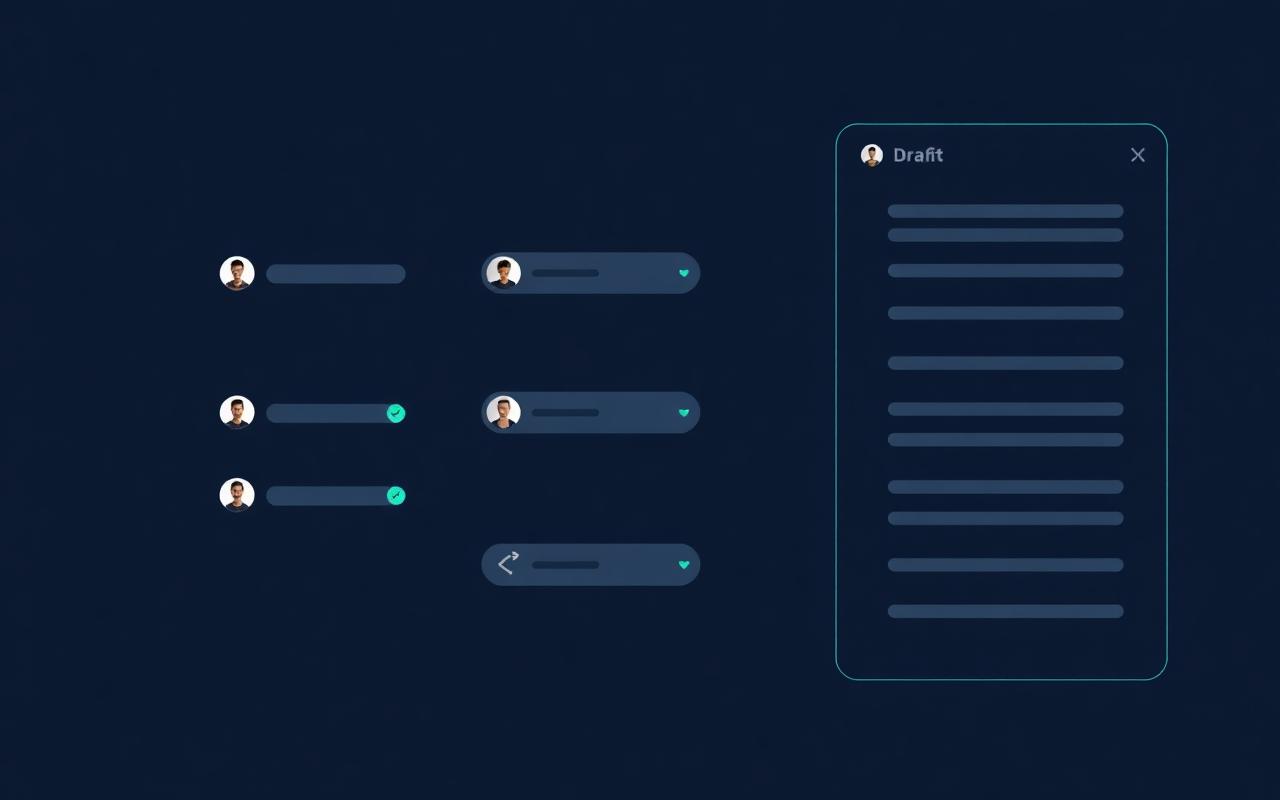
LaunchRoom Message Lab interface
Message Lab — angles
  • For foundersDraft

    "Stop stitching launches together at midnight."

  • For ops leadsDraft

    "One workspace. Every launch artifact."

  • For solo PMsApproved

    "Launch like a team, even when you're three people."

Launch Kit

Tracks every launch asset — landing page, screenshots, demo video, founder post, announcement email, press kit, help docs, FAQ, graphics.

  • Landing page, screenshots, demo video
  • Founder post and announcement email
  • Press kit, help docs, FAQ, launch graphics
  • Statuses: Missing → In Progress → Needs Review → Ready → Approved → Blocked
  • Version history and approval trail
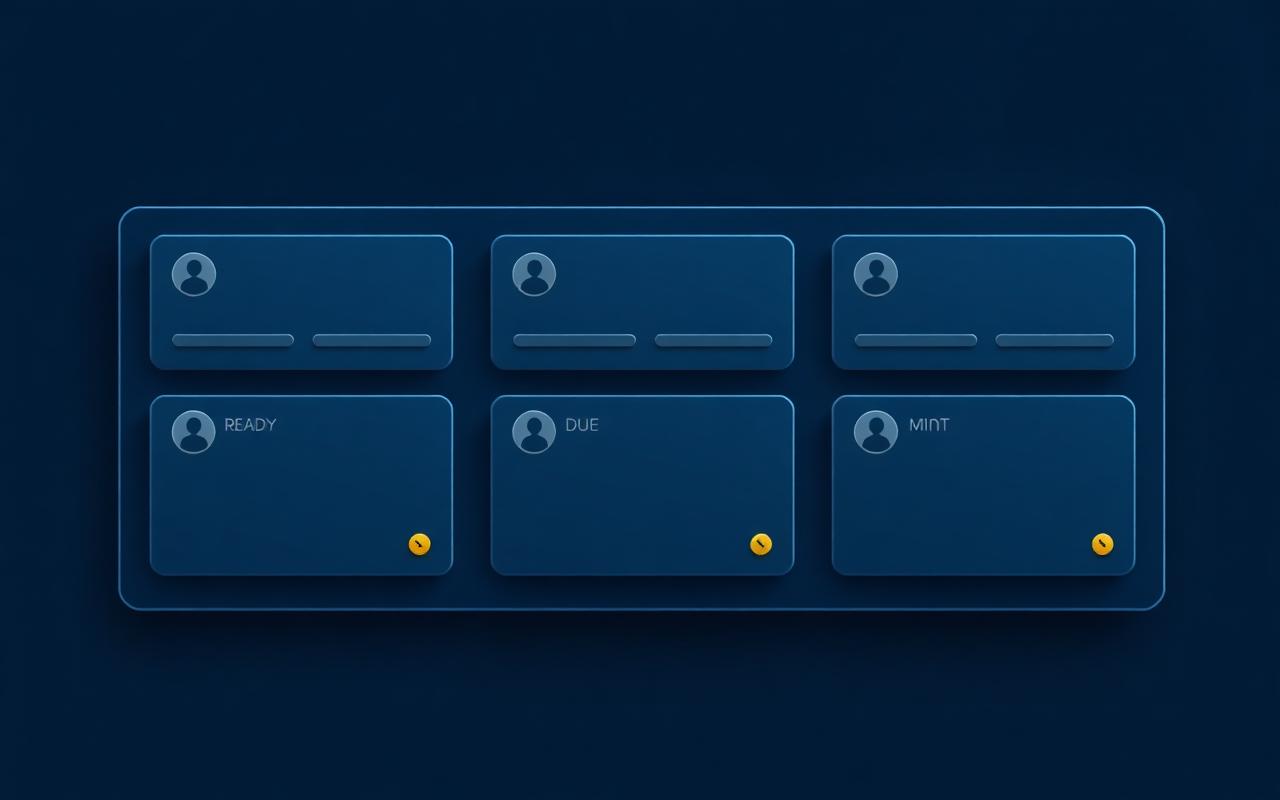
LaunchRoom asset runbook board
Launch Kit — 6 assets
  • Landing pageApproved
  • Demo videoNeeds Review
  • Founder postReady
  • Announcement emailIn Progress
  • Press kitMissing
  • Launch graphicsIn Progress

Outreach Pipeline

Tracks prospects, customers, investors, creators, press, partners, communities, and beta users.

  • Prospects, customers, investors, creators
  • Press, partners, communities, beta users
  • Statuses: Not Contacted → Drafted → Sent → Follow-up Due → Replied → Interested / Not Now
  • Personalized drafts pulled from your messaging
  • Reply tracking with nudges before threads go cold
LaunchRoom outreach pipeline
Outreach Pipeline
Drafted

9

Sent

12

Follow-up

4

Interested

3

Launch Timeline

Organizes pre-launch, launch week, launch day, and post-launch work — teaser posts, emails, deadlines, day-of actions, follow-ups.

  • Teaser posts and warm-up emails
  • Deadlines for assets, approvals, and reviews
  • Launch-day actions in time-boxed order
  • Community posts and AMAs
  • Post-launch follow-ups and recap touchpoints
LaunchRoom launch timeline diagram
Launch Timeline
  • T-7Teaser thread on XApproved
  • T-3Warm-up email to existing usersReady
  • T-09:00 — Launch announcementPlanned
  • T-011:00 — Founder AMAPlanned
  • T+1Recap email + Day 1 metricsDraft

Launch Signals

Collects feedback from replies, comments, surveys, sales calls, community posts, and support — sorted into bugs, objections, requests, praise, confusion, pricing, positioning, onboarding.

  • Pulls from replies, comments, surveys, sales calls
  • Captures community posts and support conversations
  • Sorts into bugs, objections, requests, praise
  • Tags confusion, pricing, positioning, onboarding
  • Surfaces themes — not a wall of raw text
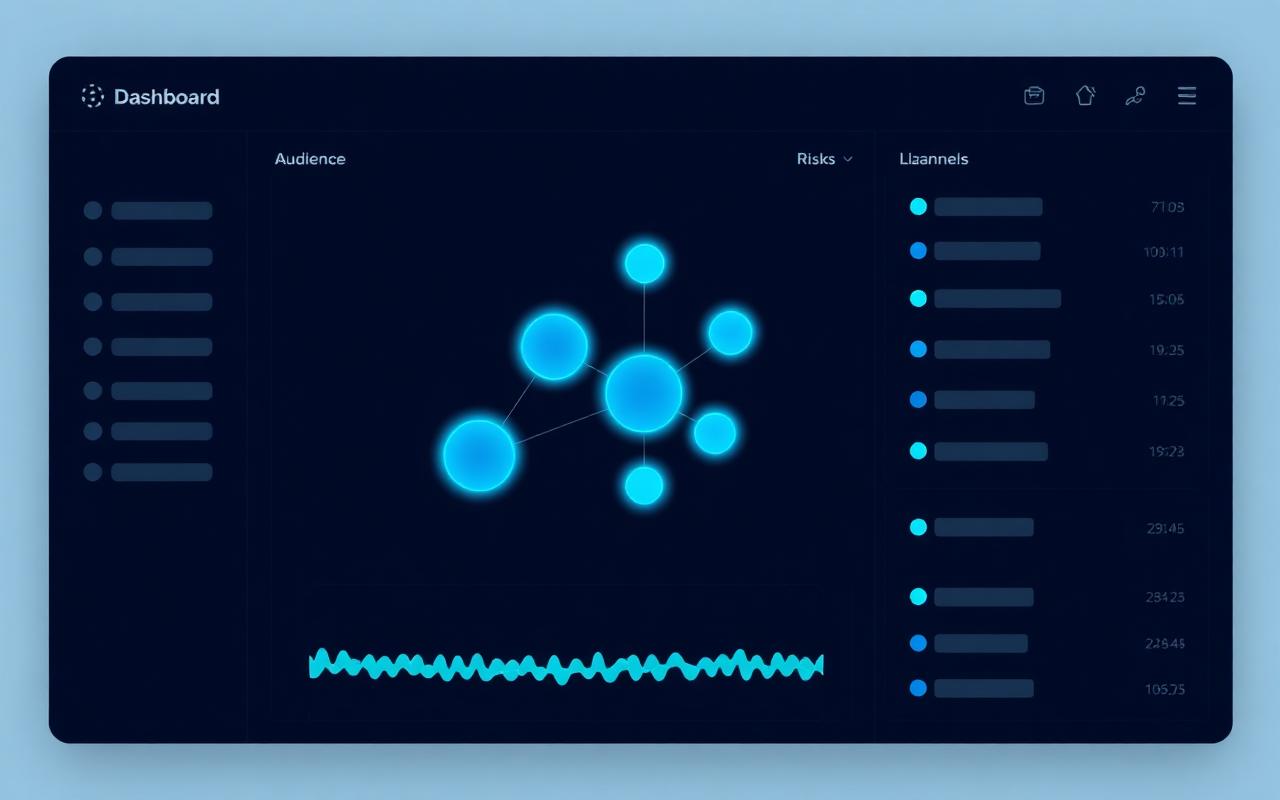
LaunchRoom signal stream
Launch Signals — themes
  • Pricing
    7
  • Onboarding
    5
  • Positioning
    4
  • Bugs
    3
  • Praise
    12

Launch Debrief

Generates a post-launch review with what worked, what underperformed, feedback themes, next actions, and recommendations for the next launch.

  • What worked, with the numbers behind it
  • What underperformed, and the likely why
  • Feedback themes ranked by frequency
  • Concrete next actions with owners
  • Recommendations carried into your next launch
LaunchRoom launch debrief report
Launch Debrief

Worked

Email beat social 3:1. Pricing FAQ converted 18% of clicks.

Underperformed

ProductHunt assets shipped late — top placement missed.

Next launch

Try a webinar at T-3. Lock PH assets by T-5.

Launch readiness

Your launch readiness score, explained.

Readiness scoring depends on the quality and completeness of the launch details your team adds. It is a checklist made tangible — not a vanity metric.

Messaging completeness

Positioning, headlines, audience angles

Asset readiness

Landing, demo, screenshots, press kit

Timeline clarity

Owners, deadlines, day-of choreography

Outreach preparation

Lists drafted, sequences staged

Channel plan

Where, when, in what order

Risk coverage

What could go wrong, who handles it

Success metrics

Goals you can actually measure

Post-launch follow-up

Replies, debrief, next steps

Your score appears once your workspace has strategy, assets, outreach, and timeline data. We don't show numbers we can't back up.

Why a dedicated tool

Built for launches, not generic project tracking.

A task board can list what to do. It cannot tell you whether you're ready to launch.

Generic task boards

Empty grids you fill in alone.

  • Tracks tasks
  • Requires manual setup for every launch
  • Doesn't understand launch strategy
  • Doesn't connect messaging, assets, outreach, and feedback

LaunchRoom

A coordinated system for the whole launch.

  • Structures the launch from goal to debrief
  • Helps create messaging in your founder voice
  • Tracks every asset and every outreach thread
  • Shows readiness across the whole plan
  • Captures launch feedback as structured signal
  • Turns each launch into learning for the next one

Give your next launch a real operating system.

One workspace for strategy, messaging, assets, outreach, timeline, signals, and debrief. Built for teams of three.